Meta Put an AI Agent Inside WhatsApp. What It Can Do for Your Business Today, and What It Cannot

There is an AI employee inside WhatsApp that can serve your customers around the clock. It has been available since June, more than a million businesses already use it, and right now activating it costs nothing.
Meta has already announced tiered pricing in the coming months. So the window to try it for free is open, and it has a closing date.
Here is everything you need: what it actually does, how to turn it on, how to configure it so it does not embarrass you in front of customers, and the limits nobody mentions. No hype.
It may not show up for you yet, and that is not your fault. Meta is rolling it out in stages: it is available only in some countries and for selected businesses, and not in every language.
In Latin America there are reports of availability in Colombia, Mexico, Argentina, Chile, Ecuador and Peru. Meta has not published a full official list, and Panama is not confirmed at the time of writing.
If you do not have it yet, you can join the waitlist from WhatsApp Business. And keep reading anyway: the preparation below is useful whether or not you have the agent, and it means that the day it arrives you switch it on properly configured instead of improvising.
What the Meta Business Agent is
Meta introduced it on June 3, 2026 at its Conversations conference in London, after nearly two years of limited testing. It is not only for WhatsApp: it also works on Instagram and Messenger.
Before the global rollout, the pilots ran in India, Mexico and Brazil. Markets like ours. That is where the base of over a million businesses came from.
What it can do, according to Meta:
The three modes, which is the most important decision

Understand this before you activate anything, because it is where people go wrong and burn customers.
The agent has three levels of autonomy, and you choose. It is not all or nothing.
My recommendation is blunt: start in Suggestions mode, not autonomous. For a week or two you will see exactly what the agent would answer without a single customer suffering it. That is where you find out where it gets things wrong, you fix it, and only then do you loosen the reins.
The handoff to a human is not a small detail: configure it from day one. Define the moment the agent stops replying and passes the chat to a person.
How to turn it on
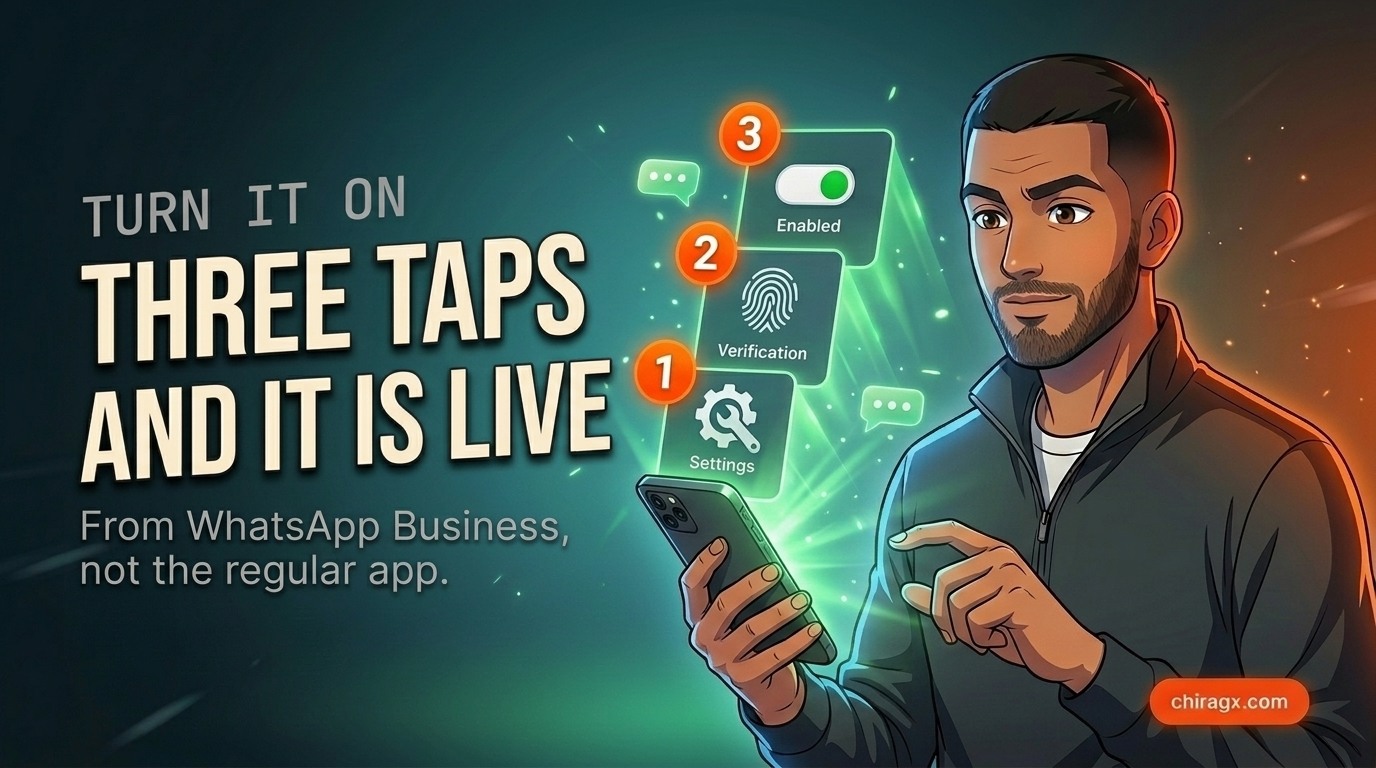
It is done from the WhatsApp Business app, not from regular WhatsApp.
As I warned above, the option may simply not exist in your account yet. Meta releases it by country, by language and by selected business. If it does not appear, look for the option to join the waitlist and check again in a few weeks. Do not waste time hunting through menus: if it is not there, it is not there.
How to configure it so it does not embarrass you
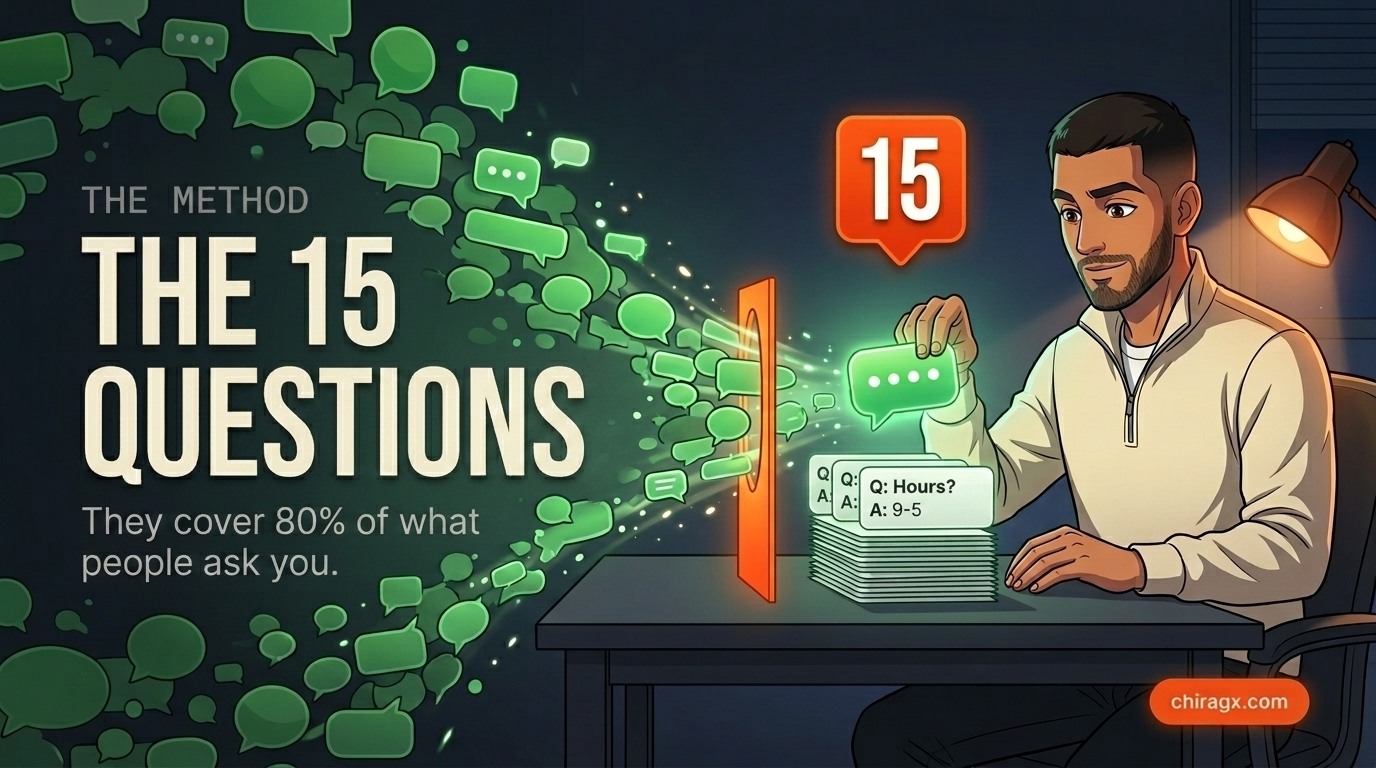
This is the part almost nobody does, and it is exactly the difference between an agent that sells and one that makes you look bad.
The agent learns from two sources: your conversations from recent months and your WhatsApp catalog. If your chats are a mess and your catalog is empty, the agent will improvise. And when it improvises, it invents.
Open your chats from the last three months and pull out the 15 questions customers ask you most. Word for word, the way they write them, typos and all.
Write the correct answer to each one. Short, clear, the way you would give it.
Load them in. That single exercise covers about 80 percent of what people will ask, and it is what separates a useful agent from an embarrassing one.
And second, just as important: fill in your WhatsApp catalog with real products, prices and descriptions. The agent suggests from there. An empty catalog means an agent that cannot sell anything.
If your prices change, update them before you activate it. An agent quoting old prices is worse than no agent at all.
The limits nobody tells you about
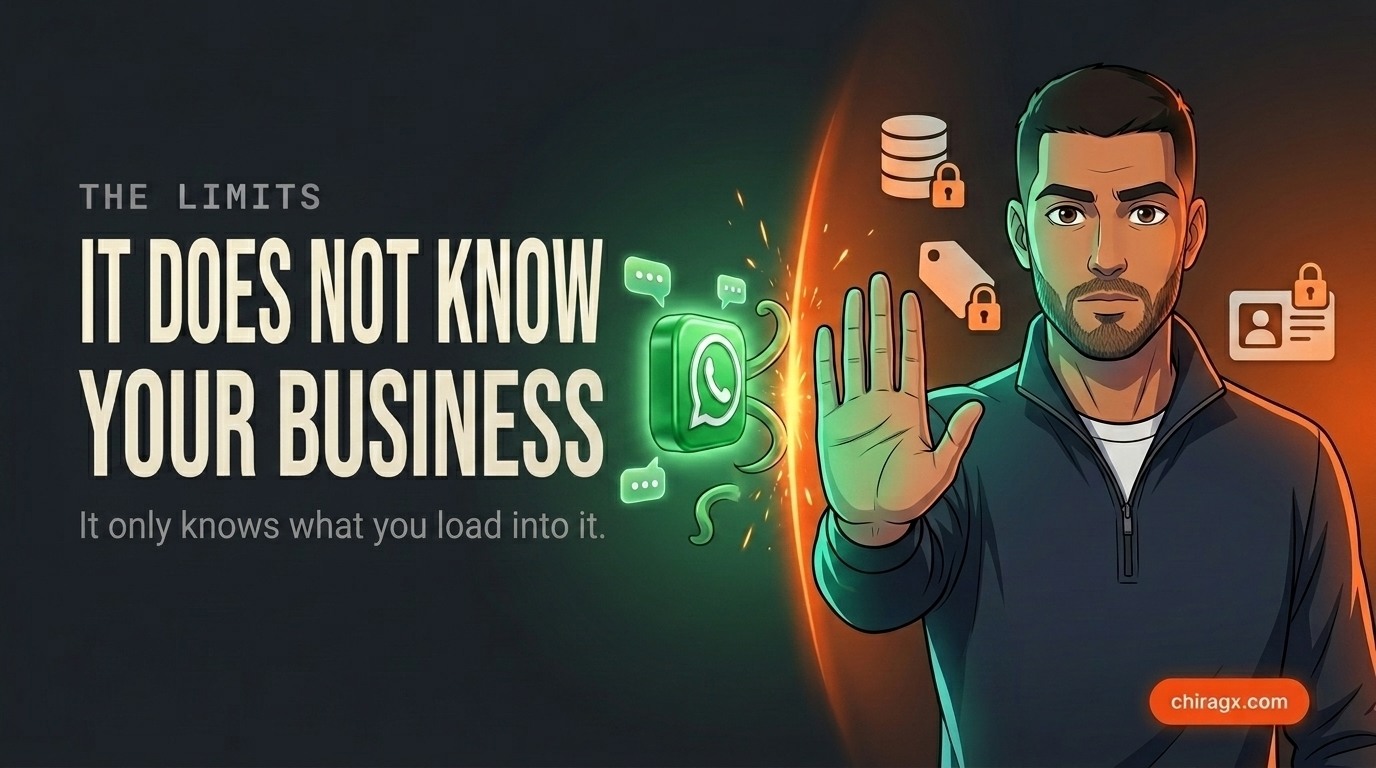
Here is where I have to be straight with you, because most articles on this stop at the pretty part.
- It knows nothing about your business except what you load
- It does not connect to your inventory or your systems
- Availability depends on your country and number
- It belongs to Meta: if the rules change, they change for you
- Activating it today is free
- Meta announced tiered paid plans
- The higher your volume, the more it scales
- Long conversations cost more than short ones
The most important limit is the first one: it is a general purpose AI trained by Meta, not by you. It does not know your prices, your stock, your delivery terms, or which customer owes you money. It knows what you give it and nothing more.
That means it can field questions and qualify leads, but it cannot tell a customer whether something is in stock, because it is not connected to your inventory. That requires integrating your systems, and that is a different kind of work.
What to use it for, and what not
Yesterday I wrote about which processes to automate with AI and which to leave alone. This agent lands squarely on the first one on that list: sorting and answering what comes in. High volume, clear answer, low judgment.
But remember the other half of that rule. The conversation when something went wrong does not get automated. A customer upset because their order arrived late does not want efficiency, they want to feel someone understands and cares. That is exactly the chat that must jump to a human immediately, and it is why the handoff has to be set up properly from the start.
- Hours, location and how to get there
- Catalog prices and availability
- The same questions you always get
- Booking an appointment or visit
- First filter on who is serious
- A complaint or an order that went wrong
- Negotiating price or terms
- Anything legal or contractual
- A large or long-standing client
- Anything outside your 15 answers
What I would do this week
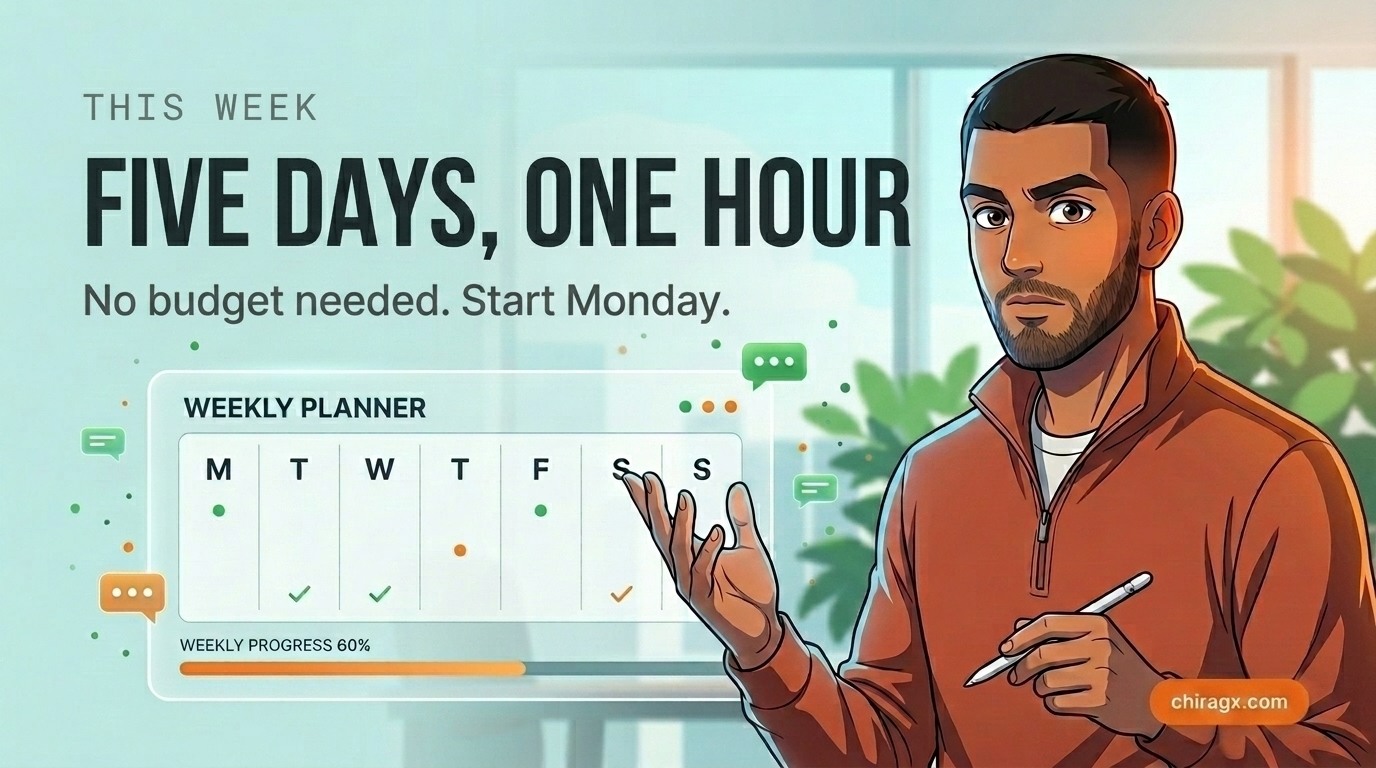
One hour, and you need no budget.
Day 1. Open WhatsApp Business and check whether the AI Agent option shows up. If it does, activate it in Suggestions mode and leave it alone. If it does not, join the waitlist and carry on with the rest of the plan anyway.
Day 2. Pull your 15 real frequently asked questions from the last three months of chats. Write the correct answer to each. Load them.
Day 3. Review your catalog. Products, updated prices, descriptions that make sense.
All week. Read what the agent suggests before you send it. Note where it gets things wrong. Fix those answers.
Week 2. If the suggestions are landing nine times out of ten, move it to autonomous for the simple questions, with the handoff configured.
If anything feels off, drop it back to manual in one tap. There is no risk of getting stuck.
And if you do not have the agent yet: days 2 and 3 are the ones that really matter. Your 15 answers and a clean catalog help you today to reply faster by hand, to train whoever handles your chats, and with any AI tool you use later. When Meta opens your country, you will switch it on in five minutes with everything ready, while your competition starts from zero.
What I read underneath this
Meta is not giving this away out of generosity. It is putting a free AI agent inside the channel where your business already lives, so that by the time the billing starts, your operation already depends on it.
That does not make it bad. It makes it something worth understanding before you move your whole sales process inside. Use it, take advantage of it being free, but do not let your operation live entirely there. Keep your customer data somewhere that is yours, not only in the chat.
And be realistic about what it is: it solves the first layer, answering the repetitive stuff. When you want the agent to know your real inventory, each customer's history and your business rules, that does not come out of an app: it comes from connecting your systems.
That judgment, knowing what to solve with a free tool and what genuinely has to be built, is what I have been preparing to teach in person, in a small group. If you want to be among the first to know when it opens, leave your details here (the workshop will be held in Spanish). And if you want us to look at your operation directly, let's talk.
Sources

This is where I can help
Want to talk about your project?
Book an advisory call →Get every article in your inbox
AI and business analysis, no hype. Only when I publish something worth your time.