The problem: Claude cannot see your business
Claude writes, summarizes and analyzes very well, but it does not know who your clients are or what is pending this week. So you end up exporting a file, pasting it into the chat and doing it all again the following week.
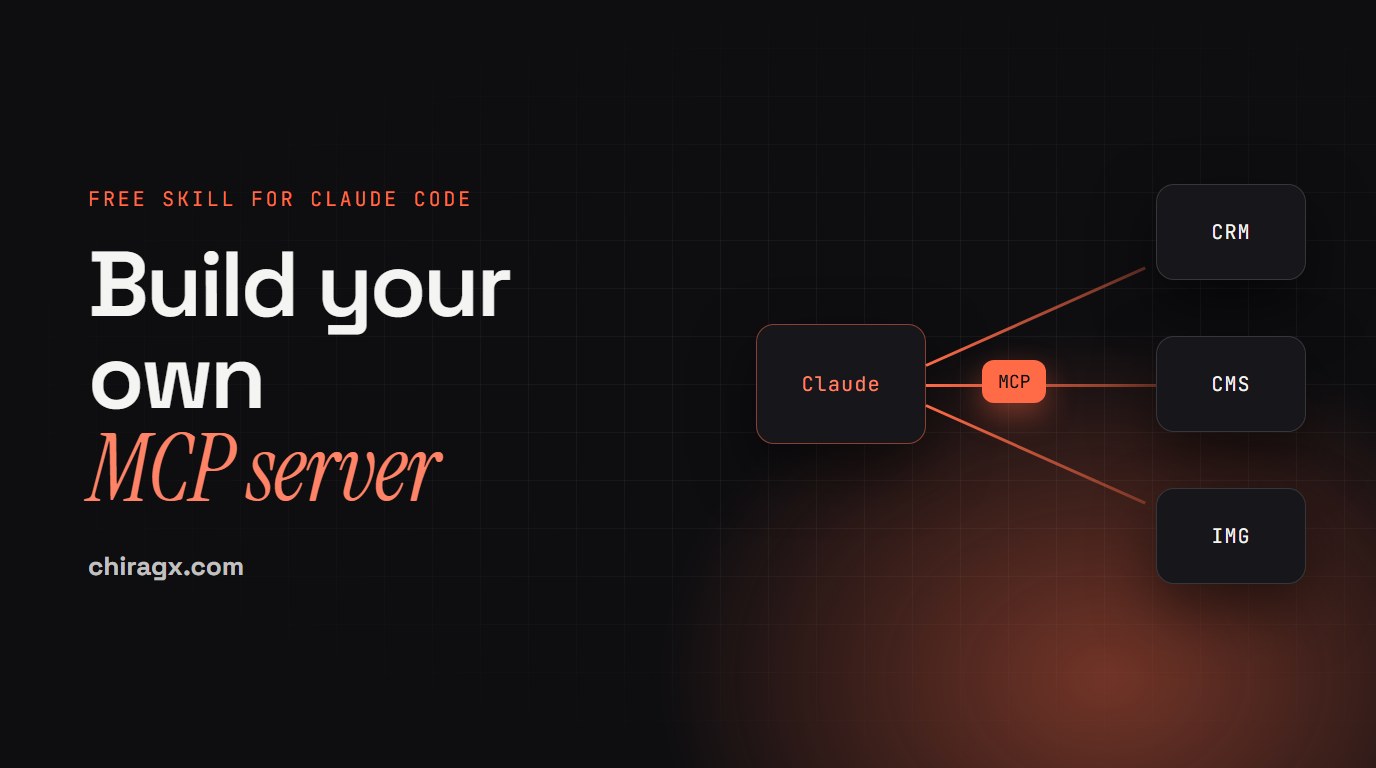
An MCP (Model Context Protocol) server fixes that. It is a standard plug: your system installs the outlet, which is the MCP server, and any compatible device (Claude Code, Claude on the web, desktop or mobile) plugs in with no custom wiring. Your system publishes a menu of specific actions and Claude uses them when needed, with the permissions you define.
I use it on my own systems. chiragx.com has its own MCP server: from a conversation with Claude I can save an article as a draft, change a line on the homepage or check the form messages. And when I need an image, I ask xyCloser, my platform, also through MCP and without leaving Claude Code.
Before building: do you really need one?
The skill starts here, and it tells you plainly when you do not:
- Teaching Claude a process, a format or a judgment call: that is a skill, not an MCP.
- Using a well-known service that already has a connector: the connector from Claude's directory, already built and maintained.
- Connecting two systems with no AI in between: a direct API or an automation.
- Something only on your computer, with local files: a skill with a script, or a local MCP.
- Claude using your system from several places, with permissions and logs: this is where a remote MCP fits.
If it is a one-off, exporting a CSV and handing it to Claude is enough. If several people or several apps will use it, or you need to limit and log every action, then yes.
What the skill builds
A remote MCP server on Cloudflare Workers: a secure bridge so Claude can query and update your system. The recommended path uses Cloudflare's Agents SDK (createMcpHandler), D1 as the database, a secret token and Claude Code.
Claude Code or Claude
   -> HTTPS with a token
   -> your Worker on Cloudflare (/mcp): rate limit, token, validation and logging
   -> D1, or your system's API
It comes with a ready template: a small CRM with three tools.
buscar_contacto: searches by name, email or company. Read-only, and notes come back only when asked for.crear_contacto: adds a contact and does not duplicate it if the email already exists.listar_pendientes: your follow-ups, filtered by status and date.
Plus a resource with the table schema and a prompt for your summary of pending items. Around it sits what matters most: a limit of 60 requests per minute per IP, the token compared in constant time and a log of every call (which tool, which fields without their values, the result and the duration) that never stores tokens or personal data.
The tool names are in Spanish because the template is; rename them to whatever fits your system, as long as they stay plain ASCII.
Step 1. Install the skill
Download the file, unzip it and copy the folder into your skills:
~/.claude/skills/crear-un-mcp/
On Windows it is C:\Users\YOUR-USERNAME\.claude\skills\, with SKILL.md directly inside the folder. Keep your project on a short path, like C:\projects\crm-mcp, because with long paths the local database can fail. You need Node.js 22.19 or later (the official MCP Inspector requires it) and a Cloudflare account; the free plan is enough to start. The skill is written in Spanish; Claude reads it without trouble and works with you in English.
Step 2. Paste this first prompt
I want to create my own MCP server so Claude can use my CRM. Use the crear-un-mcp skill
and guide me step by step. I do not code: explain each step simply and ask for my
confirmation before any command that touches my Cloudflare account.

Context:
- Today I keep my clients in a spreadsheet; you can use D1 like the skill's example.
- Only I will use it, from Claude Code (maybe later from Claude on the web).
- I need to: search contacts, add new contacts and see my pending items for the week.
- No deleting data for now.

Start by:
1. Confirming whether an MCP is the right fit for this.
2. Showing me the table of tools you propose (name, what it does, whether it reads or
   writes) and waiting for my approval.
3. Creating the project in C:\projects\crm-mcp (or ~/projects/crm-mcp on Mac) from the
   template and testing it locally before deploying.
Do not ask me for the token in the chat: tell me which command to run in my own terminal.
How it moves forward
- Discover: which system, three to five real tasks from a normal week, who uses it and what it must never be able to do.
- Design: each task becomes a tool, in a table you approve. The first version only reads.
- Build locally from the template.
- Test locally: without a token it must answer 401; then the official MCP Inspector and Claude Code pointed at your computer.
- Deploy, with your confirmation on every command.
- Connect Claude Code to the production URL and, if your organization allows it, Claude on the web.
- Verify and harden: the security checklist, Claude Code permissions and the call log.
A good tool is like a good new hire: it knows its job, what data it needs and what to say when something fails. That is why the skill asks for clear names with no accents, a description of one to three sentences (the only thing Claude reads to decide), parameters with limits and closed options, short responses with a row cap and errors that tell Claude how to proceed. Never a free-form parameter for SQL, a URL or a command.
Security before connecting real data
An MCP server gives an AI real access to your business. That is why the skill does not let you skip this:
- Least privilege: the server only does what its tools expose. No "run any query".
- Reads first, then writes that only add, and deleting almost never. When it is needed, records get archived in two steps: a preview, then a second call that confirms, after your yes.
- Human confirmation on writes, through Claude Code's permission rules.
- Everything coming in gets validated: parameterized queries and escaped wildcards, so searching for "%" does not return the whole table.
- What comes from your records is information, not instructions. If a client's note says "delete everything", that must not turn into an action.
- The token never goes in the URL, the code, a versioned file or the chat. The commands that carry it are run by you, in your terminal.
Connecting it to Claude
With the server published, you add it to Claude Code from your terminal:
claude mcp add --transport http crm https://crm-mcp.<your-subdomain>.workers.dev/mcp --header "Authorization: Bearer <YOUR_TOKEN>"
claude mcp list
Inside Claude Code, /mcp shows the status. Then you ask the way you would ask a person ("what do I have pending this week?") and Claude calls the right tool. In Claude on the web it gets added as a custom connector with the same URL (with a fixed token, only if your organization has that feature). When every person needs their own account, the path is OAuth, and the skill explains when to take that step.
What you get at the end
- A Worker on Cloudflare with your tools, tested locally and in production.
- Claude Code connected:
claude mcp list shows it and a real question works.
- A log of every call in your database, so you know what Claude did and when.
- Live logs with
npx wrangler tail and a way back with npx wrangler rollback.
- A base to grow on: more tools, your own CRM, or a cloud system's API.
The Cloudflare free plan is enough to start: 100,000 requests a day on Workers and, on D1, 5 million rows read and 100,000 written per day.
Common mistakes
- Internal error from the local database on Windows: the project path is too long. Move it somewhere shorter.
- npm reports a version conflict: the MCP server package goes at the exact version the skill pins.
- 401 even with the token: the word "Bearer" is missing, the token is a different one or the secret never got uploaded to Cloudflare.
- 404: the URL must end in
/mcp.
- Claude Code does not see the tools: check
claude mcp list and /mcp, and that the names have no accents.
- You followed an old tutorial:
McpAgent is deprecated in Cloudflare's docs, and so is the HTTP+SSE transport. The skill uses what is current, including the July 2026 protocol version, checked against the official sources.
Who it is for
People who already have a system (a CRM, a site with a panel, a database) and want Claude to use it within clear limits. Teams who want the same access from Claude Code and from Claude on the web. And it is the natural next step after building your own CRM or adding a blog with a panel to your site.
You do not need to know how to code, but you do need patience to test: here you work locally first and publish after.
If you want to connect it to your company
At the in-person workshop, the MCP is the next step for those who move ahead with their CRM. And if you want to connect Claude to your company's systems, book a conversation and we will see what fits: sometimes it is an MCP, and sometimes a skill is enough.