How to build a verifiable QR code certificate system
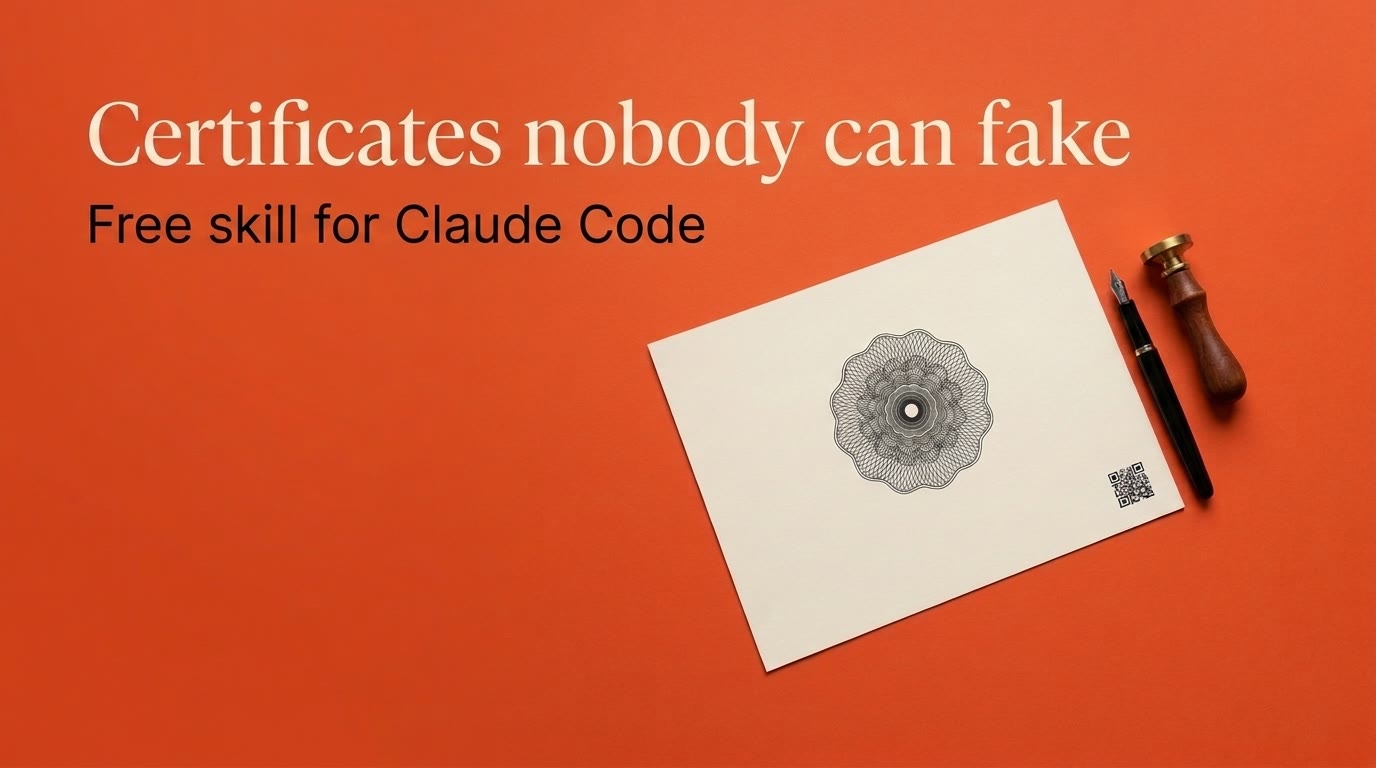
QR code certificates nobody can fake: a digital signature, a verification page on your domain and one-by-one emails. The skill I used to issue 149.
The problem: a PDF with your logo can be faked in two minutes
If you run courses, workshops or talks at events, your certificates are only worth as much as anyone's ability to check them. A PDF opens in any editor, the name gets changed and it looks identical to the original. Whoever receives it has no way of knowing if it's real, and your brand ends up attached to papers you don't control.
A verifiable certificate changes that. It has a unique code and a digital signature, and its QR code opens a page on your domain that tells you instantly whether it's original, revoked or tampered with. It's the system I used to issue 149 certificates for my workshop, COPASO and eRetail Day. Try it at chiragx.com/verificar.
What the skill builds
A complete system that you own, without paying a platform per certificate:
Your computer (private key)
   -> signs each person's data and builds their PDF with QR code and fingerprint
   -> Cloudflare: D1 database (data and signature) + R2 (PDF and image)
Whoever scans the QR code
   -> yourdomain.com/verificar/CERT-XXXX-XXXX
   -> the Worker checks the signature with your public key and answers
The verifier: a Cloudflare Worker with a search box and a page for each certificate (original, revoked, tampered with or nonexistent). It also serves the PDF, the image for sharing, an "Add to LinkedIn" button and the signature in an open format so anyone can check it independently.
The issuer: scripts to create your Ed25519 key, clean the sign-up list, issue the certificates, send them and revoke one if needed.
The certificate template in HTML, with your brand. It produces the PDF for printing and the image for LinkedIn.
17 tests that run offline. They cover the signature, data tampering, copying a signature to another code, revocation and every page response.
The guide that lets Claude Code build it with you, explaining each step.
Free, in exchange for knowing who you are
Download it free
You get the whole thing at no cost. I only ask for your email so I can write later and ask how it went: if something did not work for you, I want to know. No spam.
One confirmation email and that is it. You can leave whenever you want.
Step 1. Install the skill
Download the file, unzip it and copy the folder into your skills:
~/.claude/skills/certificados-verificables/
On Windows that's C:\Users\YOUR-USER\.claude\skills\, with SKILL.md directly inside the folder. For the project, use a short path such as C:\projects\certificates. You need Node.js 20 or newer, Chrome or Edge to draw the PDF, and a Cloudflare account. The free plan is enough.
The skill's guide and scripts are written in Spanish. Claude follows them fine and talks to you in English.
Step 2. Paste this first prompt
I want to build my own system of certificates with a verifiable QR code. Use the
certificados-verificables skill and guide me step by step. I don't code: explain each step simply
and ask me to confirm before any command that touches my Cloudflare account or sends emails.

Context:
- I certify: [my 8 hour workshop / attendance at my talk at event X]
- Issued by: [my company name], signed by [name and title]
- My domain: [yourdomain.com]
- My sign-up list is in [Google Forms / Excel / my system]

Start by running the tests and showing me a sample certificate with my brand.
Don't ask me for keys or passwords in the chat: tell me which command to run myself.
How it goes
Understand your program: what you certify, who signs, your domain and your brand color.
Create your key: the private key is stored outside the project and backed up in your password manager. The public key goes to the verifier.
Design the certificate with a sample until you like it. You can redesign later without invalidating anything, because the signature covers the data, not the design.
Test the verifier on your computer before going live.
Clean the list: misspelled domains, emails that don't exist, duplicates and doubtful names, which you decide on.
Issue and publish on your domain, with your confirmation at every command.
Send one by one: a preview, a test to your inbox and, once you say yes, everyone else.
Why it's secure
The signing key never leaves your computer. The server only holds the public key, which can check but not sign. If someone got into your database and changed a name, the page would say "signature does not match" in red, without showing the altered data.
Nobody can copy a real signature to another code: the page checks that the signed code matches the address.
Individual certificate pages stay out of Google and the person's email is never shown.
A certificate issued by mistake is revoked, not deleted: the page stays up and explains why.
If you lose the key, you create a new one and everything already issued keeps verifying.
Sending, without looking bad
The mistake that hurts your image most isn't technical: it's sending the certificates in one email with everyone copied. The skill sends one email per person from your domain through Resend. Each email carries the person's name, their PDF attached and a single address in "To". First you see the exact email, then a test arrives in your inbox, and only after your yes does the rest go out. Every send is logged and never repeated.
What you end up with
Your verifier at yourdomain.com/verificar, tested on your computer and in production.
PDF certificates with a QR code, code and fingerprint that your students add to LinkedIn in one click.
A registry of every code: fix an accent without changing the link, or revoke one with its reason.
Emails sent one by one, with no bounces from misspelled domains.
Common errors
The browser won't start when issuing: the script tries Chrome, Edge and the testing build of Chrome, in that order. If none starts, install one just for this with npx @puppeteer/browsers install chrome-headless-shell@stable.
"The private key doesn't match the public one": you're issuing with a different key from the published one. The script stops on purpose, because nobody could verify those certificates.
The email lands in spam: the sender's domain isn't verified in Resend (DKIM and SPF).
A name came out wrong: fix it in the list and issue again for that person only. They keep the same code and link.
Who it's for
Academies, consultants, event organizers and anyone who hands out certificates and wants them to mean something. Also read how I issued 149 verifiable QR code certificates, with the real numbers. You don't need to know how to code, but you do need to test on your computer before going live.
If you want it with your brand
In the in-person workshop we build tools like this on your own business. And if you'd rather have it built for your academy or event, book a conversation.
Free, in exchange for knowing who you are
Download it free
You get the whole thing at no cost. I only ask for your email so I can write later and ask how it went: if something did not work for you, I want to know. No spam.
One confirmation email and that is it. You can leave whenever you want.
Stuck on a step?
Write me and we look at it
The resource takes you from zero to a hundred on its own, but some steps land better in a conversation. If you got that far and something is off, send me your site and I will tell you what is going on.